How to Track RSVPs for Your Child's Birthday Party
Learn the best methods to track birthday party RSVPs. From QR codes to digital forms, simplify guest management and never lose a response again.
By NedPublished
Introduction
Before I built this site, my daughter's birthday invitations went to school in her backpack, and the replies came back as text messages: some the same evening, some a week later, some only after I asked. Of the dozen or so families we invited, only the few we knew well answered without being chased. The hardest part of that party was not the cake or the games. It was knowing how many kids were coming, and which of them had a food allergy.
The replies existed. They were just scattered across text threads, school pickup conversations and messages passed along by other parents, with no single record of them.
That is the default experience for parents who don't have a system for tracking RSVPs. And "system" doesn't mean spreadsheet. It means a single, reliable place where every response lands automatically, where you can check your numbers at a glance, and where nothing gets lost between a text thread and your memory.
This guide covers every method of tracking RSVPs -- from the old-school approaches that still sort of work to the modern tools that eliminate the chaos entirely.
Why Tracking RSVPs Actually Matters
Some parents skip formal RSVP tracking altogether. They send invitations, assume most people will come, and buy extra supplies "just in case." This approach has three predictable failure modes.
The Headcount Problem
You need accurate numbers for food, seating, party favors, and venue capacity. Guessing leads to either waste (buying for thirty when fifteen show up) or shortage (seven extra kids and not enough pizza). Neither feels good. Accurate RSVPs let you plan with precision and spend your budget wisely.
The Dietary Restriction Problem
Modern birthday parties must account for allergies and dietary restrictions. A child with a severe nut allergy at a party with no safe food options isn't just disappointing -- it's dangerous. RSVP tracking that captures dietary information gives you time to prepare alternatives.
The Follow-Up Problem
Without a record of who has already answered, you can't follow up effectively. You end up sending awkward blanket reminders to everyone, including the parents who already said yes three days ago. With every reply in one list, checking it against your class list shows exactly who needs a nudge.
Plan on following up
Some families will answer right away, and some will not answer at all until you ask. That is not rudeness: most of them meant to reply and forgot. Expect to follow up, and make it easy on yourself by knowing exactly who has already answered.
The Old Methods (And Why They Break Down)
Let's be fair to the traditional approaches. They worked for decades. They just don't scale well in an era of busy families, scattered communication channels, and parties with twenty-plus guests.
The Paper List Method
You write every invited child's name on a piece of paper and check them off as responses come in. Simple, tangible, satisfying.
Where it fails: Responses arrive via text, phone call, email, verbal conversation at school pickup, and messages relayed through other parents. You're never near your paper list when a response comes in. You make a mental note, forget it, and the list becomes unreliable within days.
The Text Thread Method
You text each parent individually and track responses through your message history.
Where it fails: After fifteen individual conversations across three weeks, your text app becomes an archaeological dig. Some parents respond with "Yes!" Some respond with "Let me check and get back to you" and never do. Some respond to a group text you also sent, and now there are two threads for the same party. You lose track of who said what.
The Spreadsheet Method
You create a spreadsheet with columns for child name, parent name, RSVP status, dietary restrictions, and contact information.
Where it fails: It's a perfectly fine system if you're the only one updating it. But it requires manual data entry every time a response arrives. You're transcribing texts, voicemails, and hallway conversations into a spreadsheet on your phone or computer. The friction is high enough that you fall behind, and the spreadsheet stops reflecting reality.
The Group Chat Method
You create a group chat with all the parents and ask everyone to respond there.
Where it fails: Not everyone wants to be in a group chat with twenty strangers. The chat quickly fills with tangential conversations, emoji reactions, and side questions that bury the actual RSVP responses. Counting who said yes requires scrolling through the entire conversation.
The Modern Solution: QR Code RSVP Forms
The most effective RSVP tracking method eliminates the fragmentation problem entirely. Instead of responses arriving through multiple channels, every response goes to one place -- automatically.
Here's how it works: your birthday invitation includes a QR code linked to a dedicated RSVP form. Parents scan the code with their phone camera, fill out a short form (child's name, attending yes/no, number of adults and kids, dietary restrictions), and submit. The response appears instantly in your dashboard. No transcription. No text threads. No mental notes.
Why QR Codes Change Everything
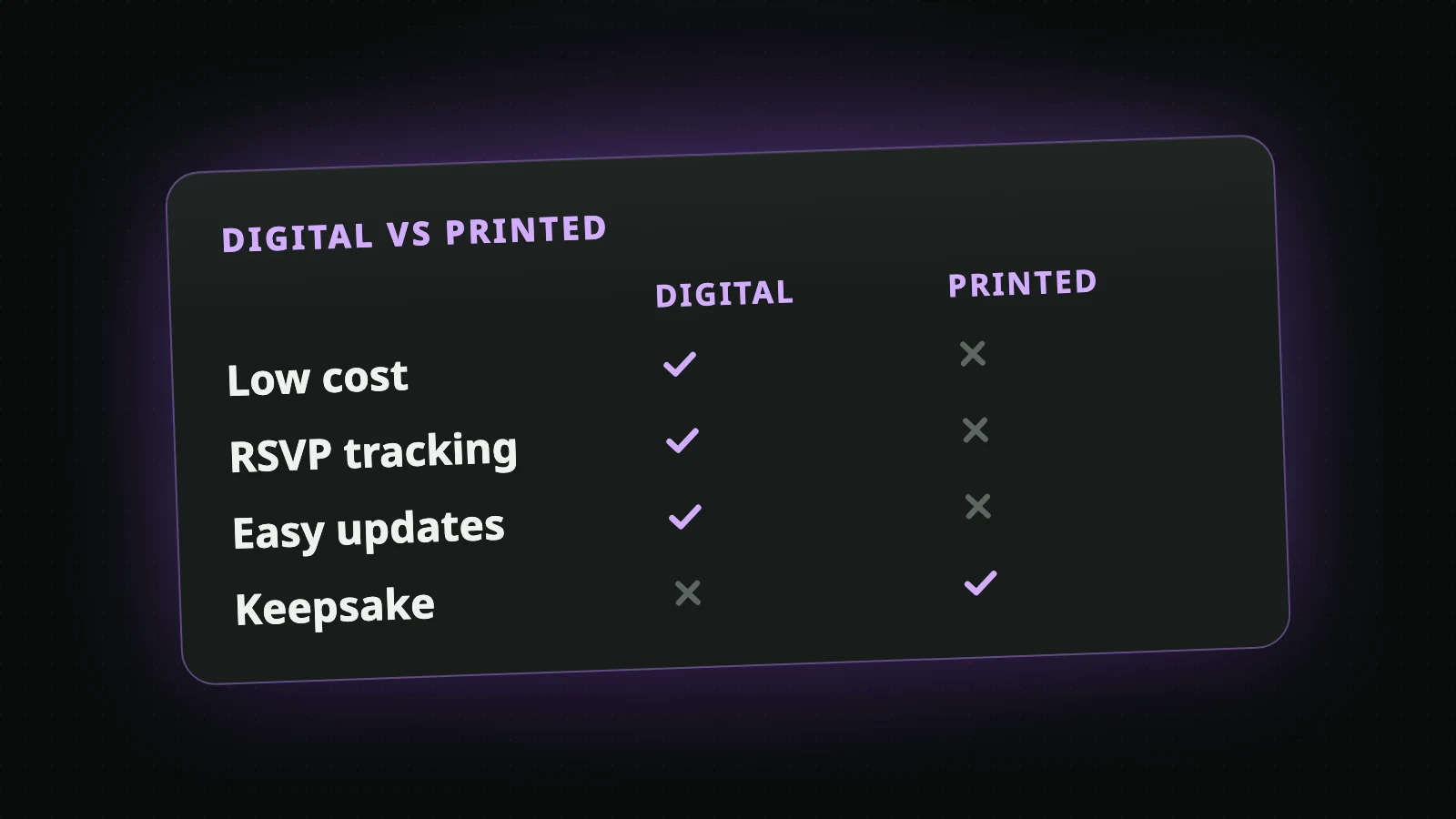
One channel, every response. Whether you hand out paper invitations at school, text a digital invitation, or post it in a parent group chat, the QR code directs everyone to the same form. Responses land in one place regardless of how the invitation was delivered.
Structured data from the start. Instead of parsing "We'll be there! Oh, and Tommy can't have gluten" from a text message, you get clean data: child name, attendance status, party size, dietary notes. It's already organized before you even look at it.
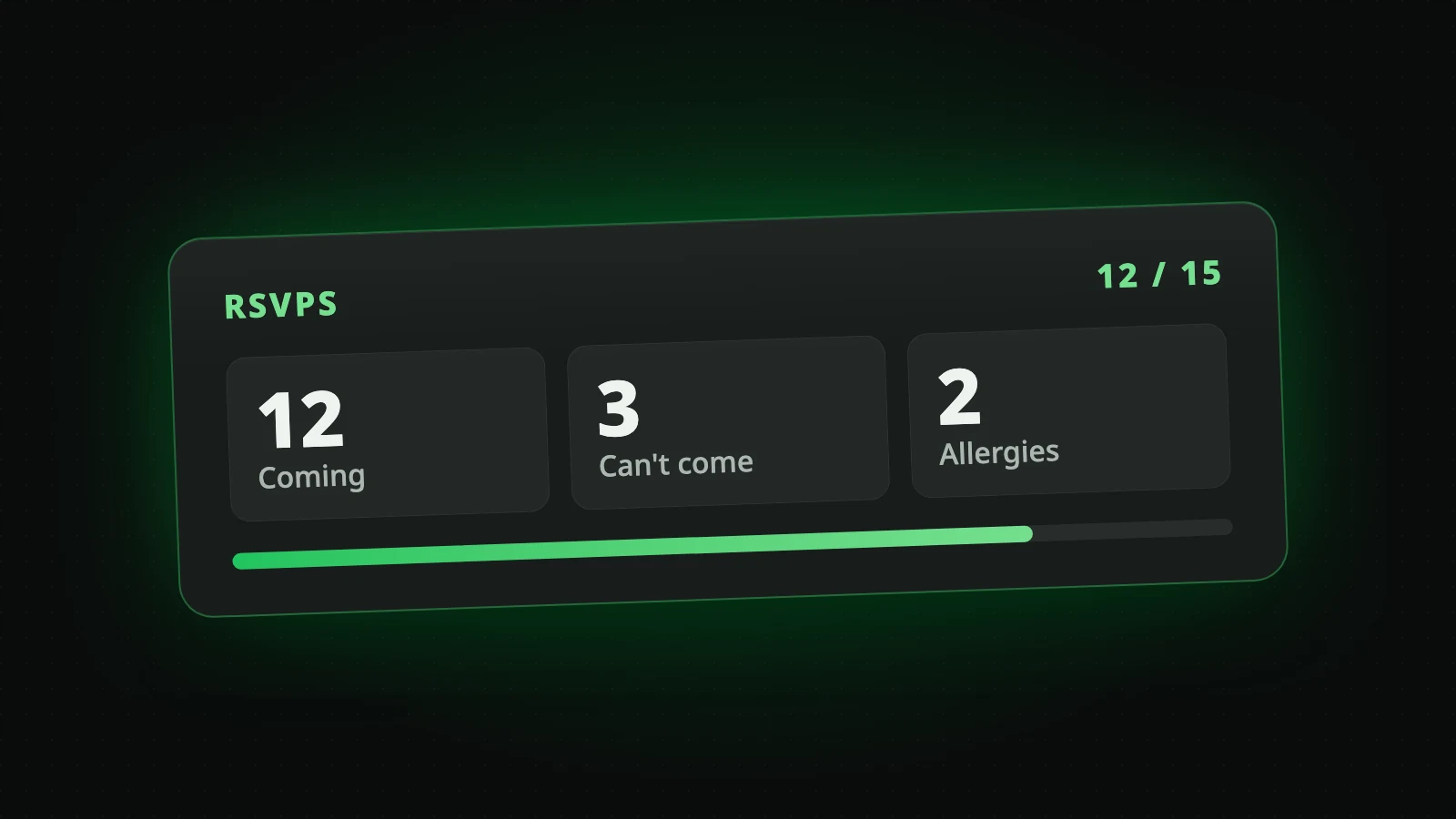
Real-time headcount. Open your dashboard and see exactly how many guests are coming and who declined. No counting, no wondering if you forgot to update the spreadsheet.
Precise follow-up. When every reply is in one list, comparing it with your class list shows who has not answered yet. You contact those families instead of sending a mass reminder to everyone.
If you're printing invitations to send home in backpacks, the QR code prints directly on the card. Parents see it, scan it, and respond -- often the same evening the invitation comes home. No separate RSVP card, no stamped return envelope, no phone number to call.
The best part: The QR code is designed to match your invitation's theme and color scheme, so it looks intentional rather than like an afterthought stuck in the corner.
Generate your themed invitation with a built-in QR code using the AI kids birthday invitation generator. The QR code is automatically included and styled to match.
Managing Responses Like a Pro
Once RSVPs start flowing in, here's how to make the most of the data you're collecting.
Set a Clear RSVP Deadline
Put the deadline on the invitation. About a week before the party works well: send the invitations three weeks ahead, and the deadline still leaves you a few days to follow up with non-responders and adjust your plans based on final numbers.
The Three-Wave Follow-Up Strategy
Not everyone responds immediately. Plan for three contact points:
Wave 1 (The Invitation): This is your initial ask. The families you know well usually answer in the first few days.
Wave 2 (A Few Days Before the Deadline): A gentle reminder to families who haven't responded. "Just a friendly reminder -- we'd love to know if [child's name] can join us for Ethan's birthday! RSVP link: [link]."
Wave 3 (Day After Deadline): A direct, personal message to each remaining non-responder. "Hi Sarah, just checking if Emma will be able to make it to Ethan's party on Saturday. We're finalizing the headcount for food and would love to include her!" A personal message like this usually gets the last answers.
Track More Than Yes or No
The most useful RSVP forms capture information beyond attendance confirmation:
| Information | Why It Matters |
|---|---|
| Child's name | Match responses to your guest list |
| Number of adults attending | Seating, food, and adult beverages |
| Number of children attending | Siblings who might come along |
| Dietary restrictions/allergies | Safety and food planning |
| Special needs or accommodations | Ensuring every child has a great time |
Export and Use Your Data
With all responses in one dashboard, you can quickly generate what you actually need for party day:
- Final headcount for food orders (add a small buffer for late replies and siblings who come along)
- Allergy list posted in the food prep area
- Name list for personalized party favors or name tags
- Contact list for day-of communications ("Parking is behind the building" or "We're running 15 minutes late on setup")
Privacy Note
When collecting RSVP data through any digital form, you're handling personal information about families and children. Use a trusted platform that handles data responsibly. The data should be used exclusively for party planning and not shared beyond that purpose.
Following Up Without Being Annoying
There's an art to chasing RSVPs that balances persistence with politeness. Nobody wants to be the parent who sends five reminders. But nobody wants to guess headcount either.
Be direct and specific. "Can Lily come to the party?" gets faster responses than "Please RSVP at your earliest convenience."
Make responding effortless. If your reminder includes a one-tap link to the RSVP form, parents can respond in literally five seconds. Remove every barrier between reading your message and submitting a response.
Acknowledge the busy. A quick "I know things are hectic -- just need a quick yes or no for headcount purposes" shows empathy and reduces the perceived effort of responding.
Use the channel they prefer. If a parent always communicates via text, text them. If they're active in the school parent app, reach out there. Meeting people where they already communicate gets you faster answers.
Stop after three attempts. If a family hasn't responded after your invitation and two follow-ups, assume they're not coming. Continuing to contact them crosses from helpful to harassing.
Choosing the Right RSVP Tracking Tool
Not all RSVP solutions are created equal. Here's what to look for.
- QR code generation that works on both printed and digital invitations
- Mobile-friendly response form that takes under 30 seconds to complete
- Real-time dashboard showing who is coming and who declined
- Dietary restriction and allergy fields for food safety planning
- Shareable RSVP link for digital distribution
- Free tier that covers basic party needs without a credit card
Putting It All Together: Your RSVP Timeline
Here's the complete RSVP tracking timeline, week by week:
4 weeks before: Create your invitation with built-in QR code RSVP tracking.
3 weeks before: Send the invitations (or hand them out at school). Watch the first replies come in.
10 days before (Wave 2): Send a friendly reminder to families who haven't answered, with the RSVP link.
1 week before (Deadline): This is the RSVP deadline printed on your invitation. Follow up directly with any remaining non-responders (Wave 3).
5 days before: Finalize headcount. Place food orders, confirm venue capacity, prepare the right number of party favors.
2 to 3 days before: Send a confirmation message to all attending families with final details (address, parking, drop-off/pickup times).
Day of: Check your dashboard one final time for any last-minute changes. Print your allergy list. Enjoy the party.
Never Lose a Response Again
The difference between a stressful party and a smooth one often comes down to whether you knew how many people were coming. That single data point -- your accurate headcount -- cascades through every aspect of your planning: food quantities, seating arrangements, party favor counts, venue selection, and budget allocation.
RSVP tracking isn't administrative overhead. It's the foundation that makes everything else work. When every response lands in one place, automatically, without you transcribing texts and chasing voicemails, you reclaim hours of planning time and eliminate the uncertainty that makes the final week before a party so stressful.
For my daughter's party this year, the invitations were printed again, but each one had a QR code on it. Every family that replied did it through the form, nobody texted, and the headcount and the allergy list were in one place the whole time.
The chaos was optional all along. It just needed a better system.
Free RSVP Form
Set up QR code RSVP tracking for your next party in minutes -- completely free
AI Kids Birthday Invitation
Generate themed invitations with built-in RSVP QR codes automatically included
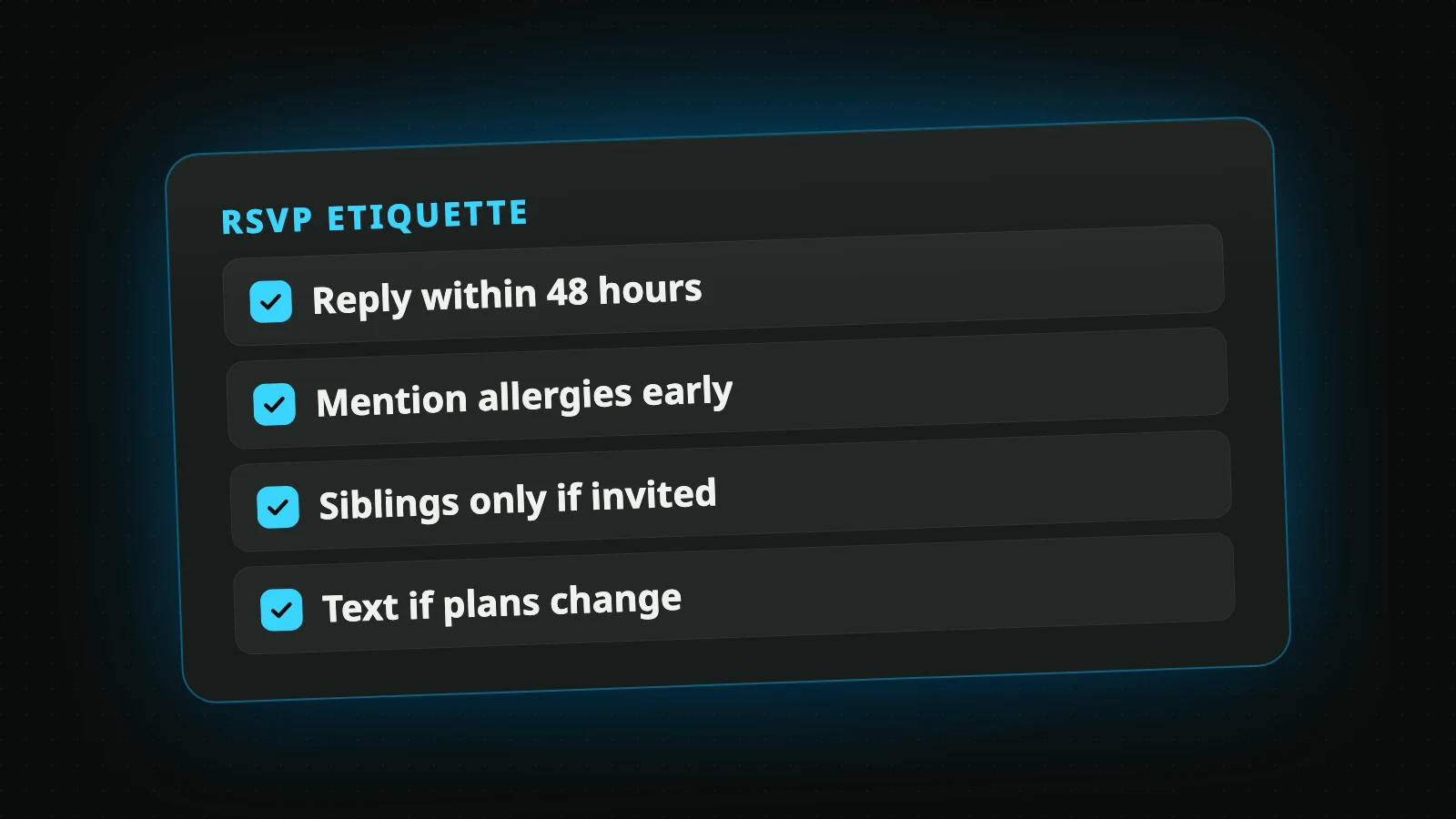
RSVP Etiquette for Parents
Understand the unwritten rules of birthday party RSVPs from both sides
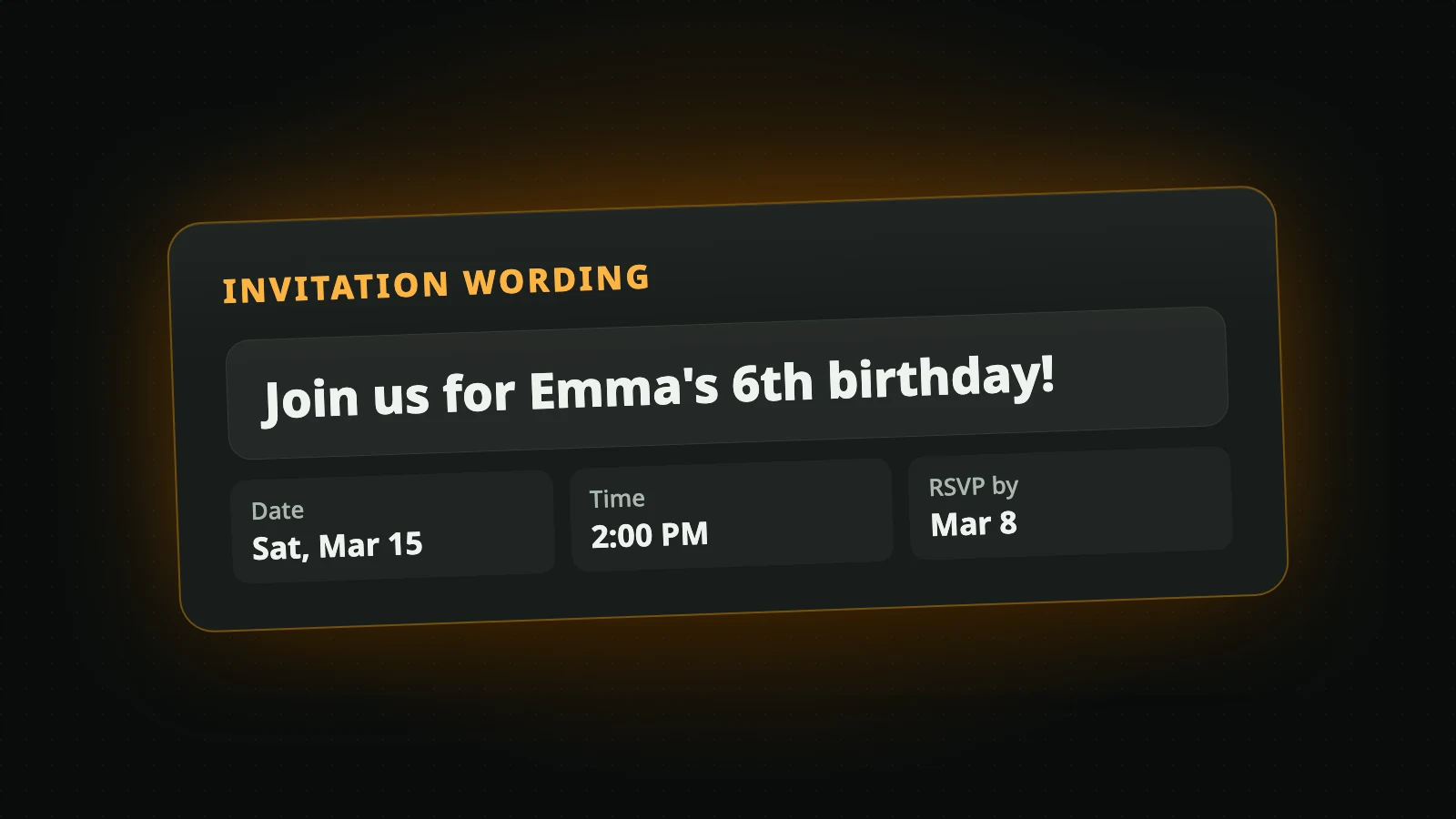
Invitation Wording Guide
How to write invitations that include all essential details and get responses
Start tracking RSVPs the smart way. Your next party's headcount shouldn't be a guessing game -- it should be a number you can check on your phone in two seconds flat.
Create Your Invitation
Ready to create your own AI-powered birthday invitation with built-in RSVP tracking?
Create Your Birthday Invitation