Video Game Birthday Invitation Template
Center card
A free video game birthday invitation template drawn like a retro 8-bit arcade screen: pixel clouds and brick ledges, red hearts, blue gems and gold stars, with a joystick and a controller in the corners. Add your details, then print it or share the link for QR code replies.
- Free
- Edit in your browser
- Print at home
- RSVPs by QR code
Tap any text on the card to adjust it.
Tap any text on the card to adjust it.
Fill in the details and the card updates as you type.
Our AI paints a brand-new invitation in any theme you can describe, including your child's favorite characters. The details you typed come with you.
About This Video Game Birthday Invitation Template
Everything on this card is drawn in chunky square pixels, the way an old arcade cabinet or a first home console drew its worlds. Orange brick ledges float along the edges and across the top, red hearts and faceted blue gems sit between them like pickups waiting to be collected, and gold stars and little twinkles fill the gaps. Soft pixel clouds drift across a pale blue sky, and a strip of green pixel hills and bushes runs along the bottom. The corners hold the hardware: a grey controller on its cable and a red-topped arcade joystick. There are no characters anywhere, so the card reads as "games" in general rather than as one particular game.
The name and the age line are set in a blocky bitmap font, the lettering of a high-score table, in a deep game green. The date, time and address switch to a smooth, plain face, because a pixel font gets hard to read at small sizes and the grown-ups still need to find the venue. Behind the text the sky stays open and calm, so nothing busy sits under the words.
Three layouts
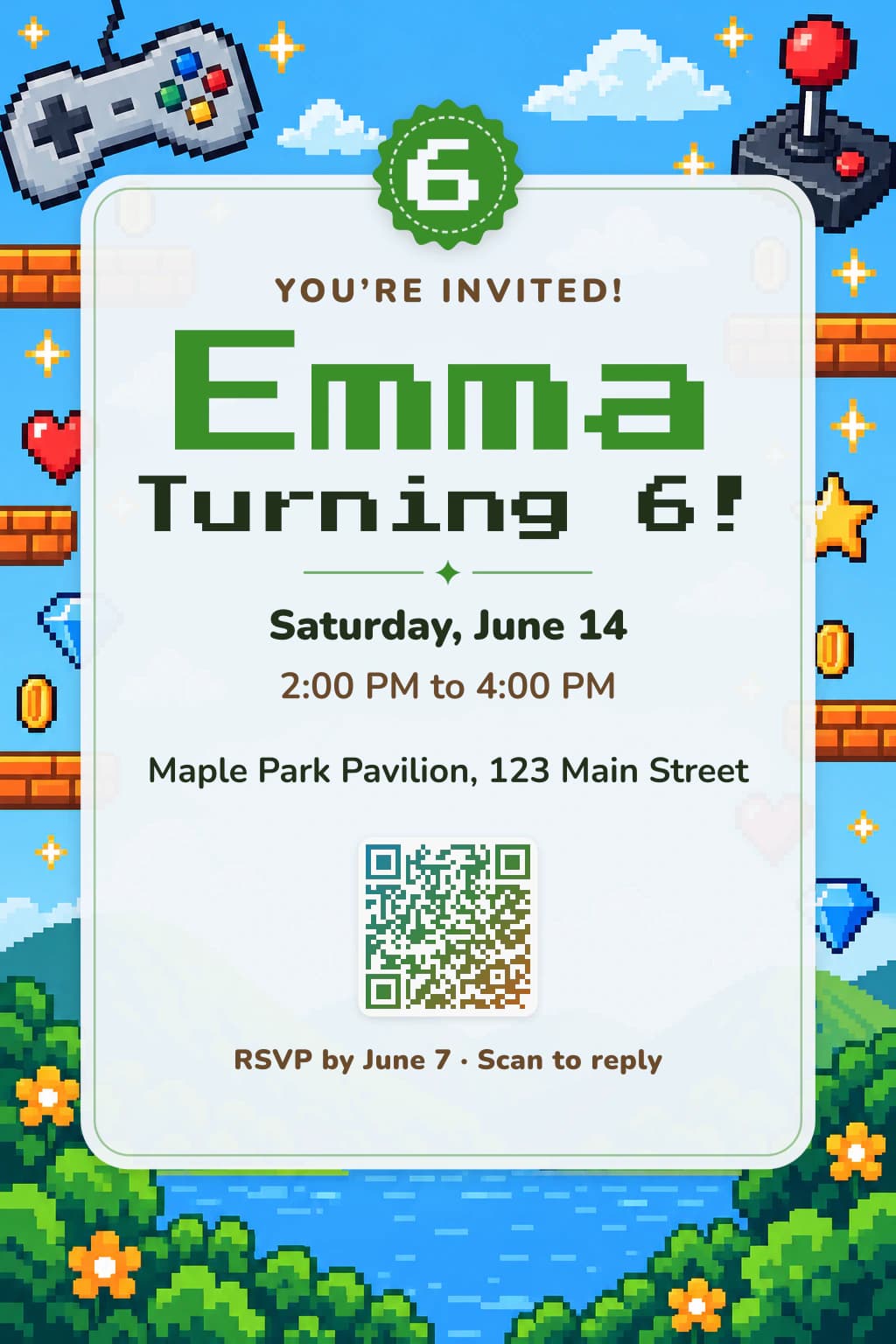
Center card
The arcade screen fills the card: a controller with colored buttons top left, the joystick top right, brick ledges, coins and gems down the sides, and a pixel lake ringed with bushes and orange flowers at the bottom, with the details on a white panel under a green badge.
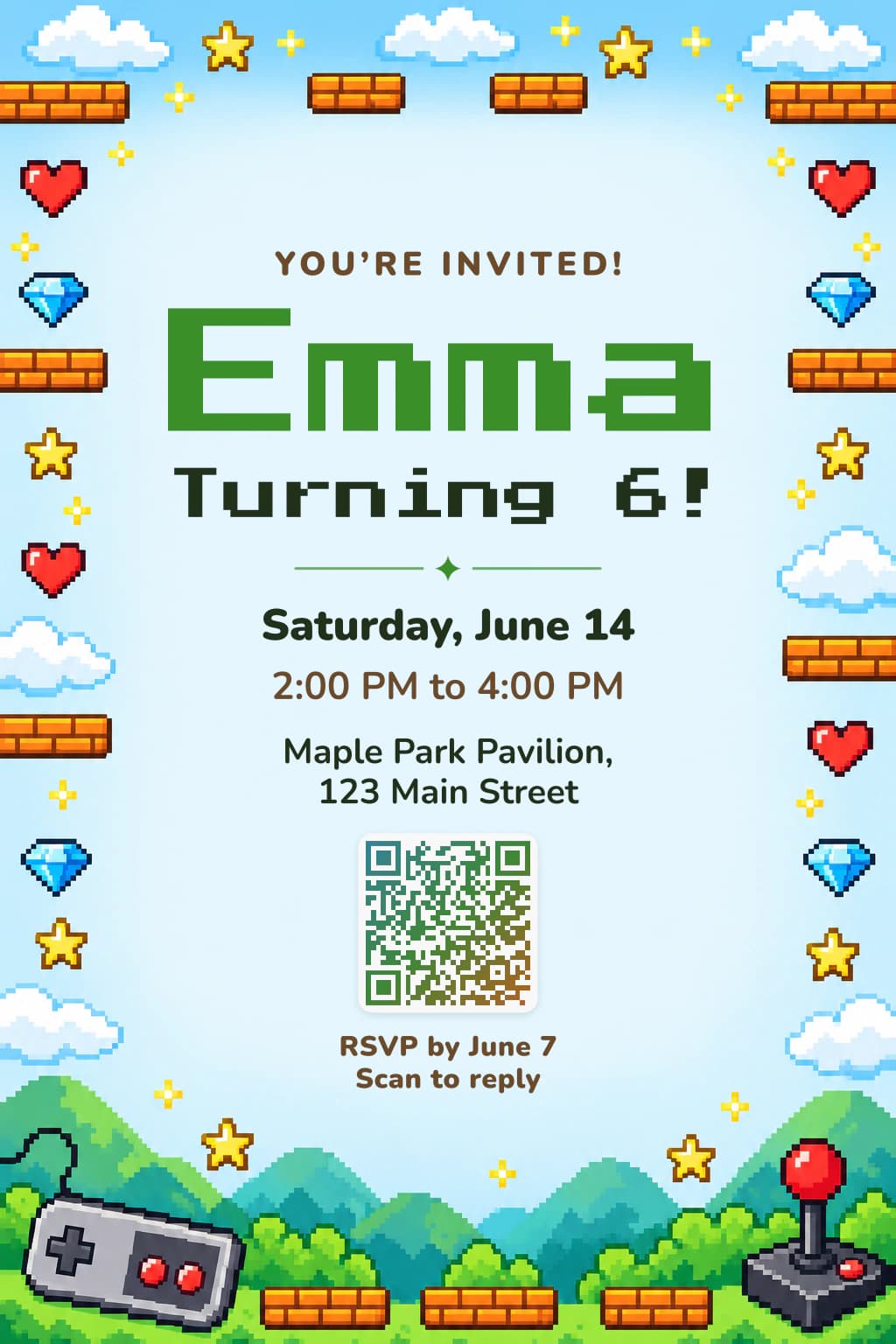
Framed
Bricks, hearts, gems and stars line both sides like the walls of a level, the hills, controller and joystick sit along the bottom, and the open sky in the middle gives the pixel name plenty of room.
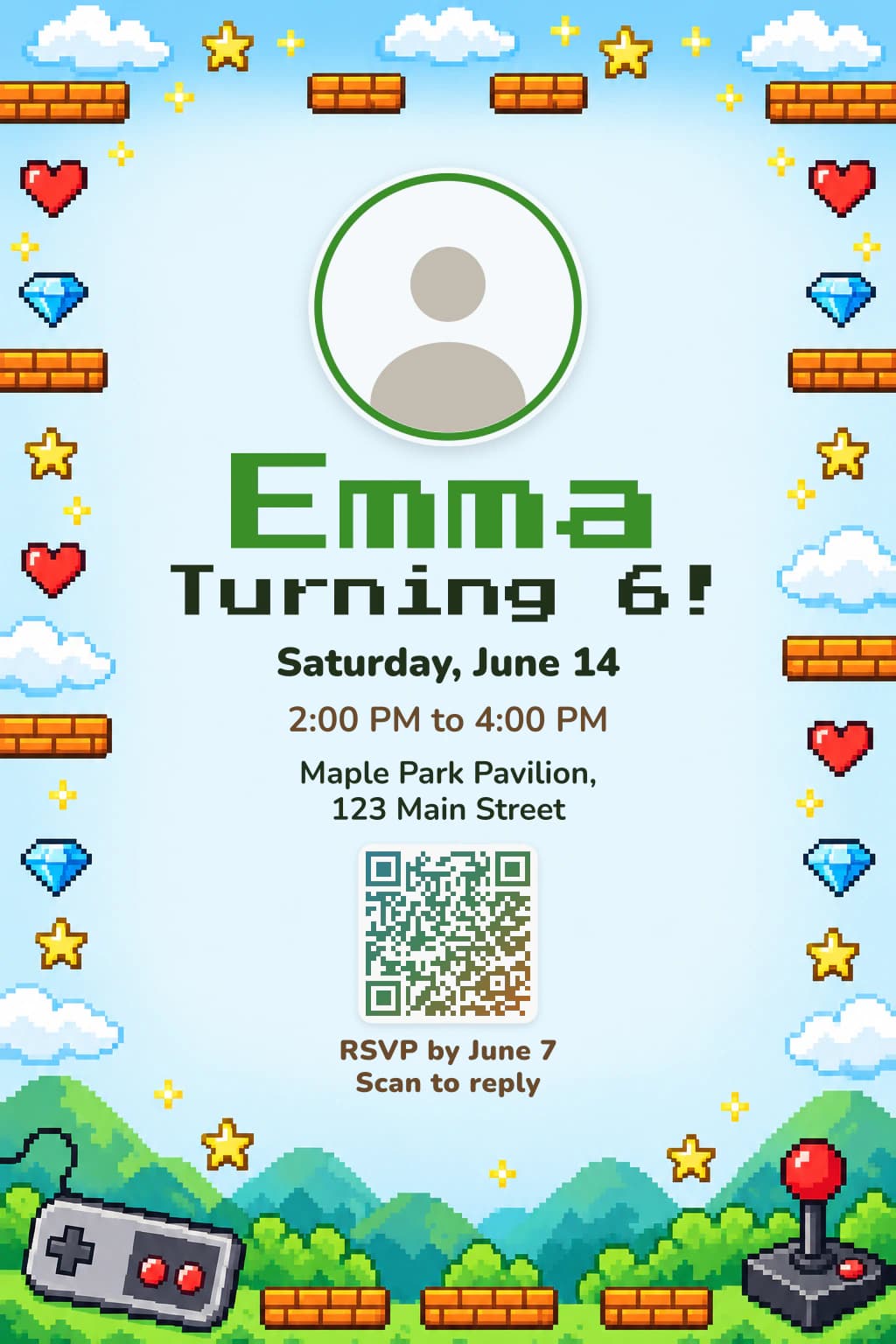
With photo
The same level frame with your child's photo in a round green ring above the name, like the player portrait on a character select screen.
Three color schemes
- Level-up green
- Arcade blue
- Brick orange
A scheme recolors the lettering, badge and QR code, never the artwork.
Who This Video Game Invitation Is For
Kids from about five to twelve, the years when talk at recess is all levels, lives and high scores. Because the card shows the look of games rather than any one game, it suits a child who plays on a console, a tablet or a computer, and the retro style looks a little older than a cartoon card, which a fourth or fifth grader will appreciate.
It is not a boys-only theme; plenty of girls are the best gamers in their class. Arcade blue or Brick orange shift the lettering away from green, and the pale sky in the middle takes almost any color you pick in the style panel.
Video Game Birthday Invitation Wording
Game talk turns a party into a quest without much effort. These fit the lines you can rewrite on the card, the note on the RSVP page and the message that goes out with the link.
- Heading
- Press start to party!
- Not on the With photo layout.
- Age
- Level 9 unlocked!
- Your own line
- Games, snacks and cake. Collect all the hearts!
- RSVP line
- Player 2, RSVP by November 2
- Note to Guests (RSVP page)
- There will be a few game stations indoors and an old-school party game tournament, and screens take a break for cake. Let us know about allergies so every player gets a snack they can eat.
- Message with the link
- Felix just reached level 9! Party at the Glenwood Community Center, Saturday, November 14, 1 to 3 pm. The invite is on this link; reply there so we know how many players to expect.
How to Make and Print Your Video Game Birthday Invitation
- 1
Choose a layout and colors
Switch layouts and color schemes above the form. Your details stay.
- 2
Add your party details
Name, age, date, time and place, in any of eight languages.
- 3
Print it or send the link
Download the PDF with a free account; guests reply by QR code or link.
Print one 4×6 inch card per page or two per Letter or A4 sheet, with crop marks. For a class, paste up to 40 names for a card per child; the names stay on your device.
Video Game Party Ideas to Match
Real-life platform level
Lay cushions, a balance beam of tape and a tunnel of chairs across the living room or yard, scatter paper coins along the route, and time each player from start to finish. Post the times on a "high score" board.
Pixel art station
Graph paper, square stickers and markers let kids draw their own 8-bit portrait or hero. Fuse beads work for older guests if an adult does the ironing, but keep them away from toddlers.
Collect the hearts
Hide red paper hearts, blue paper gems and gold stars around the party, each worth points. Everyone cashes in their haul for small prizes at the end, so nobody leaves empty-handed.
Power-up snack table
Label the food as power-ups: "extra life" juice boxes, "gem" grapes, "coin" crackers and a sheet cake decorated with a grid of colored squares like a pixel picture.
Video Game Invitation Template FAQ
Does this invitation show characters from a real game?
No. The artwork is only game scenery and gear: bricks, hearts, gems, stars, clouds, hills, a controller and a joystick, with no characters, creatures or logos. That keeps it free of any brand and lets it fit whatever your child happens to play.
Is the pixel lettering easy to read?
The pixel font is used only for the name and the age line, where the letters are big. Everything guests need to act on (date, time, address and the RSVP line) is in a plain, clear face.
Can I write "Level 10" instead of "Turning 10"?
Yes. The age line is yours to change, and as long as the number stays in it, the number follows the age you set in the form.
Which layout should I choose for an older kid?
The frame layout looks the most like a game screen: the bricks and pickups stay at the edges and the middle reads like a title card. The center card is the busiest and most colorful; With photo is the frame plus a round picture, if your child wants their face on it.
Is this template really free?
Yes, all of it. Downloading the card and seeing replies need a free account.
Do guests need an account to RSVP?
No. They scan the code or open the link, then enter their child's name, who is coming and any food allergies.
Can the card be in another language?
Yes, any of eight, chosen above the form; the guests' RSVP page follows it.
More Birthday Invitation Templates Like This
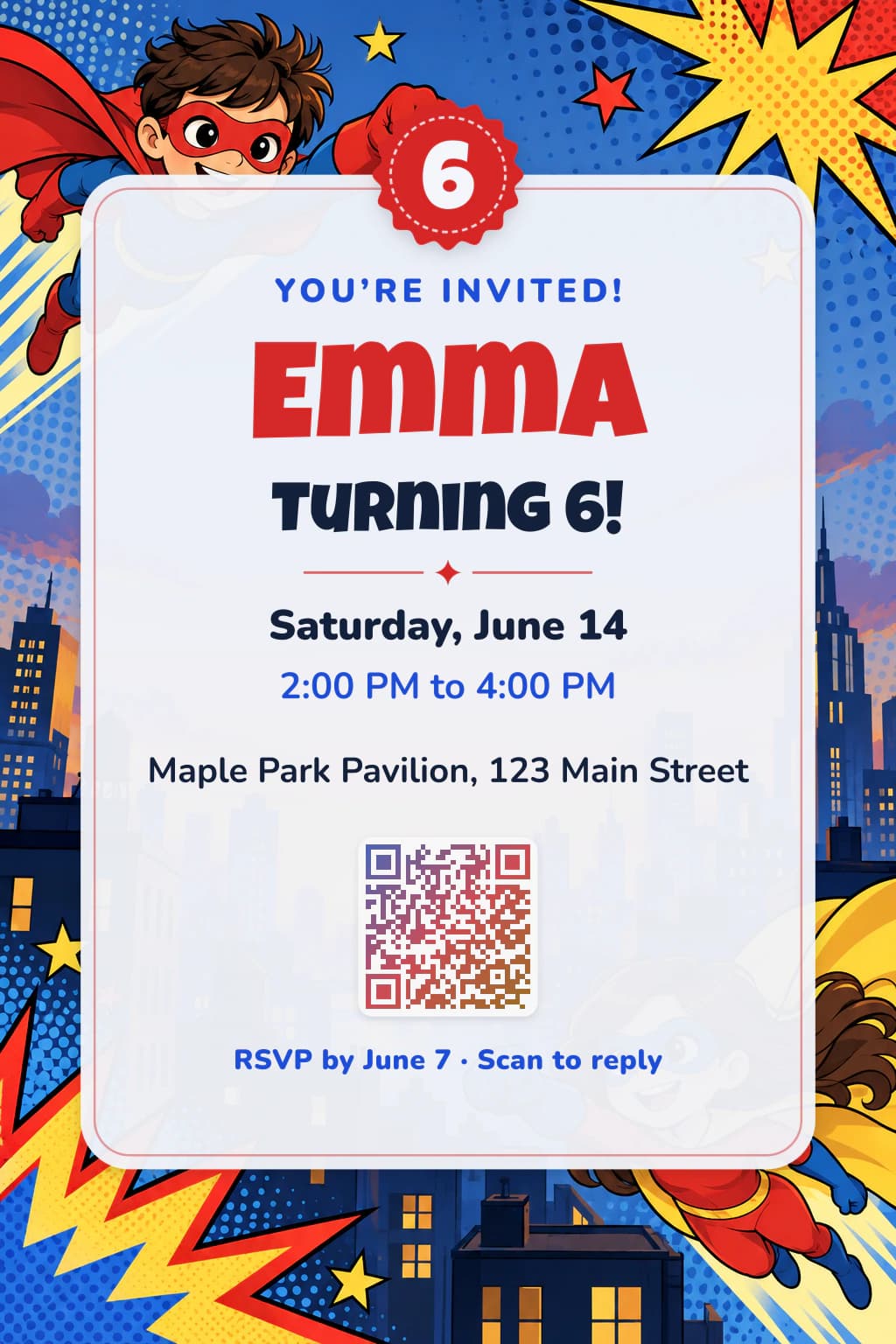
Looking for a favorite character?
Templates stick to themes anyone can use. For a character your child loves, our AI designs an invitation in that world, just for your party.
Already have your own design?
Upload it and we'll add a QR code for online RSVPs, free.